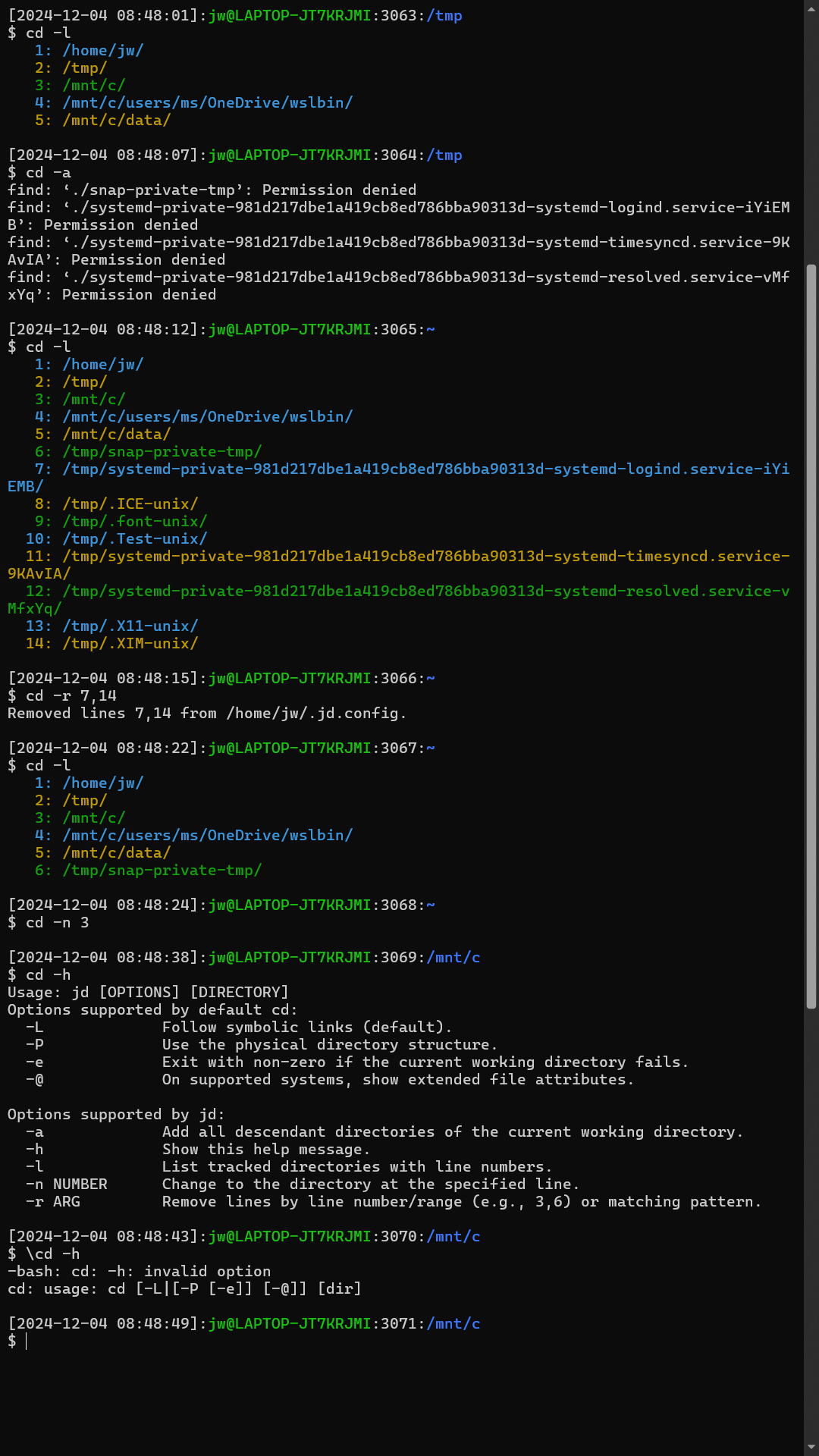
This blog post introduces the jd function that enhances the cd (change directory) command for Bash shells under WSL to make it easier to access past working directories without the need to remember or type their paths, as well as to allow typing and pasting Windows paths. You can use the jd function just asContinue reading “WSL Bash CD Enhancement to Track Directories Across Sessions”
Tag Archives: technology
Using Windows Command Line Tool Output in Bash under WSL
This blog post explains how you can use the output of Windows Command Prompt commands in Bash scripts under WSL. In Bash under WSL, I want to use the output of the tree command to list the contents of a WSL directory. Tree is unusual in a few ways: it is part of cmd.exe, notContinue reading “Using Windows Command Line Tool Output in Bash under WSL”
Quick Intro to the tmux Terminal Multiplexer
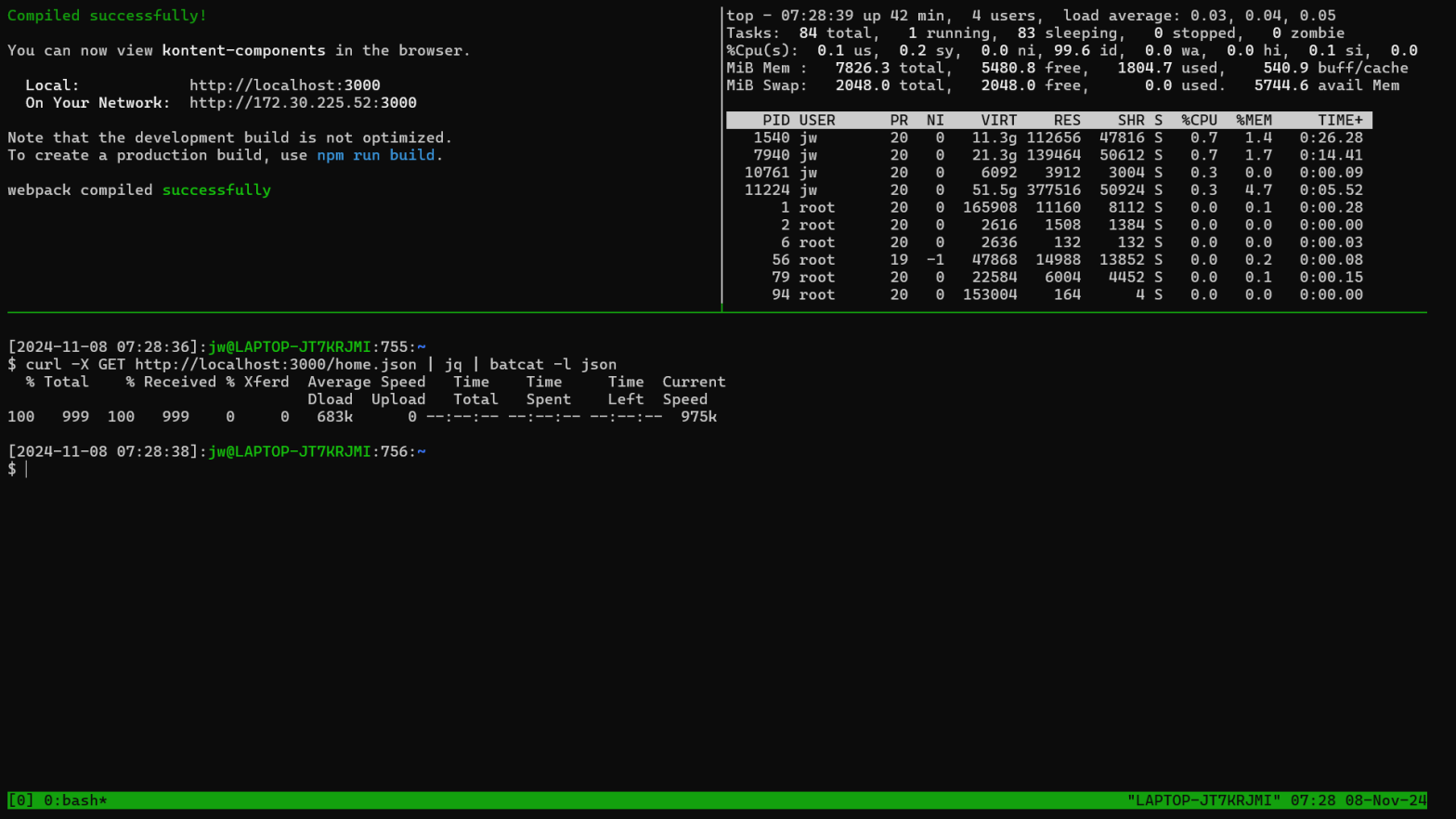
This blog post introduces tmux, which is a terminal multiplexer for multiple command line shells in different windowpanes within a single operating system window. The video associated with this post demonstrates monitoring the output from a server application in one pane and resource utilization in another pane while allowing the developer to invoke commands inContinue reading “Quick Intro to the tmux Terminal Multiplexer”
Use OneDrive (or otherwise) to Share WSL Bash Shell Command History Between Accounts and Machines

This blog post explains how you can use OneDrive to share Bash shell history between different accounts and machines. Sharing OneDrive including bin and my personal Bash configuration to multiple Windows machines with WSL has been highly valuable for me. For example, I use a shared file on OneDrive to configure Bash for all accountsContinue reading “Use OneDrive (or otherwise) to Share WSL Bash Shell Command History Between Accounts and Machines”
Mount Remote Apple File System from Windows Subsystem for Linux (WSL)

I accidentally posted this to the wrong blog! https://deliverystack.net/2024/10/21/mount-remote-apple-file-system-from-windows-subsystem-for-linux-wsl/ Here it is again. This blog post provides shortcuts to mount a remote Apple file system under Windows Subsystem for Linux. You can use this technique to access Apple file systems from Windows Subsystem for Linux and Windows itself. You can use Airdrop to copy imagesContinue reading “Mount Remote Apple File System from Windows Subsystem for Linux (WSL)”
 wslguy.net