
This blog post provides some guidance for cleaning up Microsoft Windows.
Add or Remove Programs
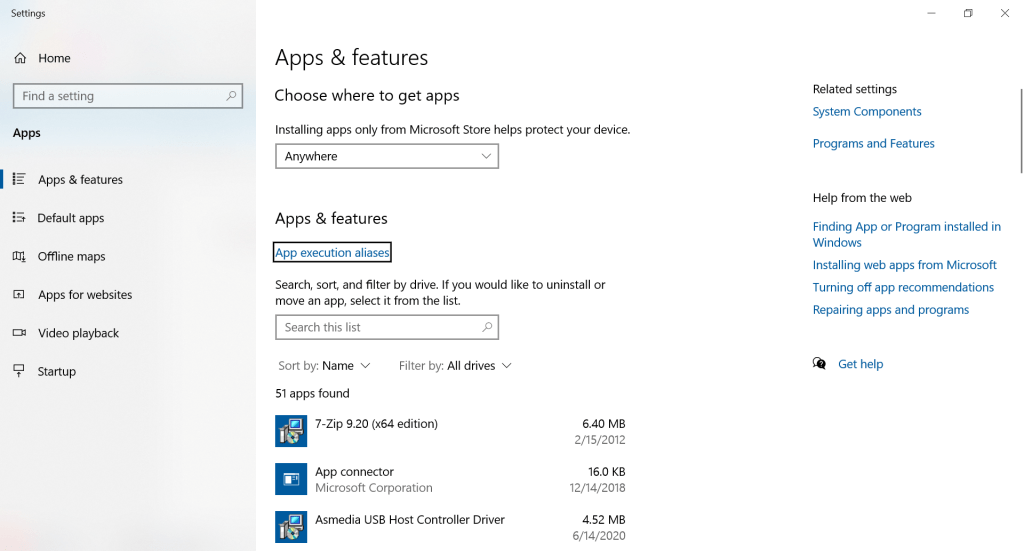
Use Windows Add or remove programs to remove all programs that you do not consciously use.
Turn Windows Features on or off
Use Turn windows features on or off to remove unnecessary functionality.

Update Windows, Drivers, and Programs
Use Windows Update, and also update any drivers and programs that you can.
Disk Cleanup
Use Windows Disk Cleanup and choose to Clean up system files.
Empty the Downloads Folder
Empty the downloads folder, which is usually something like C:\users\<username>\Downloads.
SysInternals Autoruns
Use SysInternals Autoruns to reduce the number of processes that run at startup and login.
Empty the Recycle Bin
Empty the Recycle bin.
Defragment Hard Drives
Use Windows Defragment and optimize drives to defragment all hard drives.
 wslguy.net