This blog post is a continuation of:
Installation Process
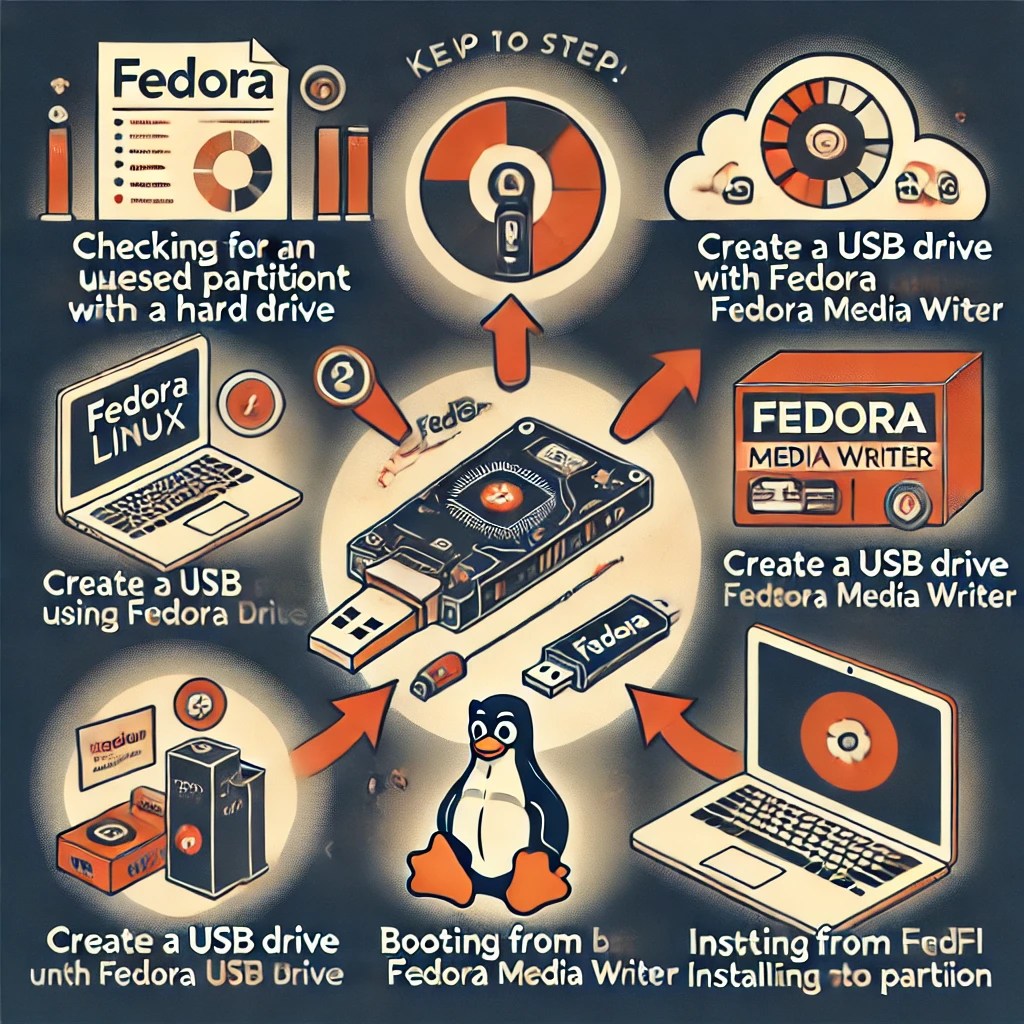
The easiest process to install Fedora appears to be as follows:
- Ensure that an unused partition with sufficient space exists on the hard disk.
- Create a USB drive from a Fedora image.
- Reboot to that USB drive and run Fedora.
- Use Fedora to install Fedora.
Partitions
A previous post provided some guidance regarding partitions:
USB Drive
Use the Fedora Media Writer exe to write the installation software to the USB drive.
This will install mediawriter.exe to something like C:\Program Files (x86)\Fedora Media Writer\ but might not create an Windows icon.
Use this program to download and write a Fedora image to a USB drive.
Reboot
According to the following, you may need to access the BIOS/UEFI on your machine to disable secure boot and you may need to configure the system to boot from a USB drive.
Install Fedora
Fedora should boot from the USB device and guide you through the process of installing Fedora to the available hard disk partition.
 wslguy.net
2 thoughts on “Installing Fedora Linux”